The UC-1 Indiana form plays a crucial role in the unemployment compensation insurance process for employers in the state. This payment voucher is essential for submitting unemployment insurance payments and ensuring compliance with state regulations. Employers must accurately complete the form, which includes specifying the applied rate on line five, a detail that can be found on the rate notice sent to them or accessed through the employer self-service application. Questions often arise regarding the form's approval status; employers can verify this by contacting the Indiana Department of Workforce Development (DWD) via email. Additionally, for those who frequently prepare UC-1 forms, a substitute version is available on the DWD website, and there are software options approved for printing the form. It is vital for employers to use the correct version to avoid penalties or delays in processing. Furthermore, employers must possess a valid SUTA account number when filing the form for the first time, which can be obtained through the DWD's registration application. Proper assembly of the forms before mailing is also necessary to expedite processing and prevent fines. The UC-1 form is not just a bureaucratic requirement; it is a key document that ensures the smooth operation of unemployment insurance payments, making its accurate completion and timely submission essential for all employers in Indiana.
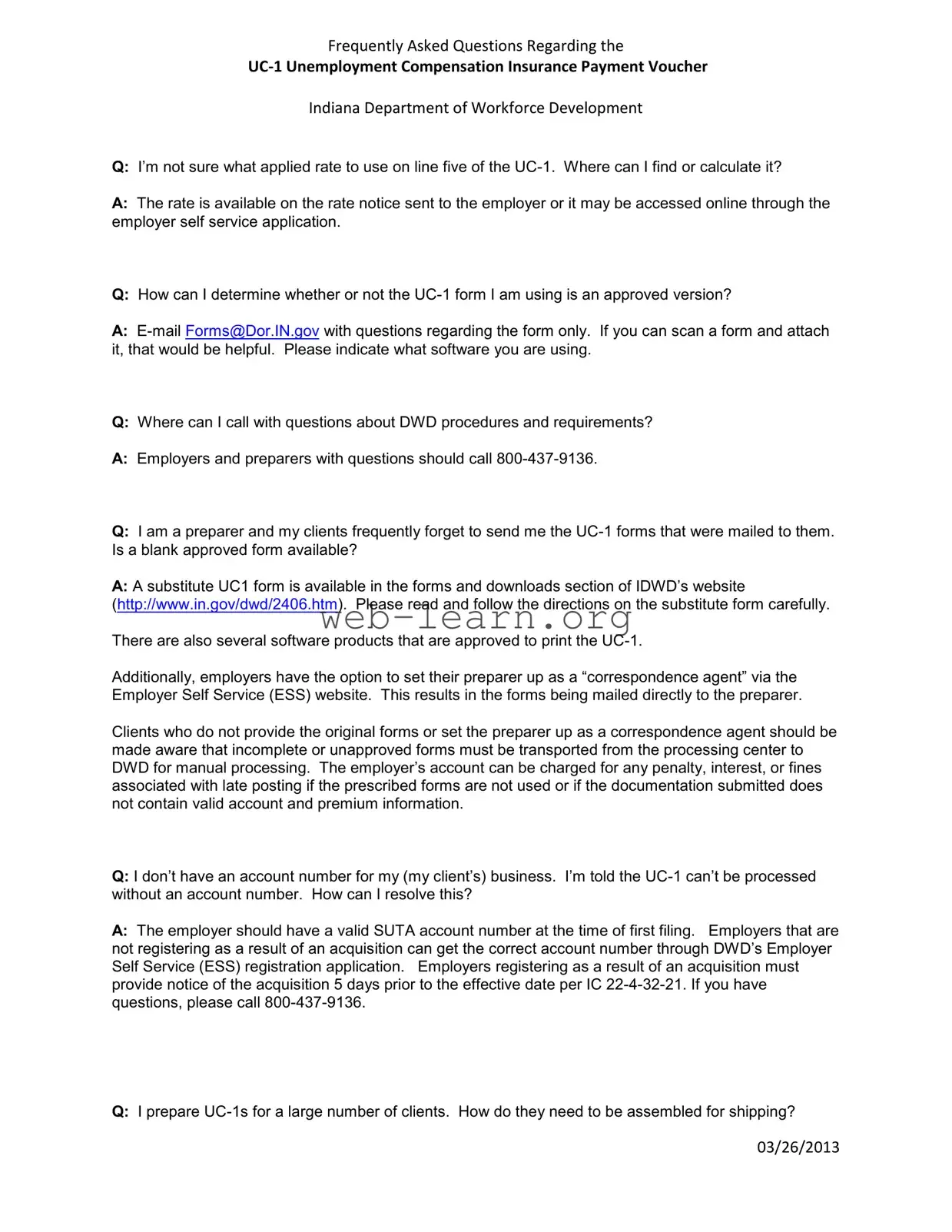
Frequently Asked Questions Regarding the
Indiana Department of Workforce Development
Q:I’m not sure what applied rate to use on line five of the
A:The rate is available on the rate notice sent to the employer or it may be accessed online through the employer self service application.
Q:How can I determine whether or not the
A:
Q:Where can I call with questions about DWD procedures and requirements?
A:Employers and preparers with questions should call
Q:I am a preparer and my clients frequently forget to send me the
A:A substitute UC1 form is available in the forms and downloads section of IDWD’s website
(http://www.in.gov/dwd/2406.htm). Please read and follow the directions on the substitute form carefully.
There are also several software products that are approved to print the
Additionally, employers have the option to set their preparer up as a “correspondence agent” via the Employer Self Service (ESS) website. This results in the forms being mailed directly to the preparer.
Clients who do not provide the original forms or set the preparer up as a correspondence agent should be made aware that incomplete or unapproved forms must be transported from the processing center to DWD for manual processing. The employer’s account can be charged for any penalty, interest, or fines associated with late posting if the prescribed forms are not used or if the documentation submitted does not contain valid account and premium information.
Q:I don’t have an account number for my (my client’s) business. I’m told the
A:The employer should have a valid SUTA account number at the time of first filing. Employers that are not registering as a result of an acquisition can get the correct account number through DWD’s Employer Self Service (ESS) registration application. Employers registering as a result of an acquisition must provide notice of the acquisition 5 days prior to the effective date per IC
Q:I prepare
03/26/2013
Frequently Asked Questions Regarding the
Indiana Department of Workforce Development
A:Proper preparation of the forms before shipping will speed processing. The mail in P.O. Box 7054 goes to the Indiana Department of Revenue. IDOR is only authorized to process
•Cut the
•Separate the forms into two stacks. One stack would be only
•Do not include check stubs or any other forms or correspondence.
•Do not use staples or paper clips.
Q:I have (or my client has) a credit from a previous quarter. The new
A:Employers should verify on ESS that a credit exists. They then have the option of requesting a refund of that credit directly or they can adjust their remittance to include the previously remitted credit memo. The
Q:When a business is closed, can I just write “business closed” on the
A:The
03/26/2013
| Fact Name | Description |
|---|---|
| Purpose of the UC-1 Form | The UC-1 form is used by employers in Indiana to report unemployment compensation insurance payments to the Department of Workforce Development. |
| Accessing the Applied Rate | Employers can find the applied rate needed for line five of the UC-1 on the rate notice sent to them or through the employer self-service application online. |
| Approved Versions | To verify if the UC-1 form is approved, employers can email [email protected]. Including a scanned copy of the form can help expedite the process. |
| Account Number Requirement | A valid SUTA account number is required for processing the UC-1. Employers can obtain this number through the Employer Self Service registration application. |
| Shipping Instructions | When sending UC-1 forms, they should be separated into two stacks: one for forms without payments and another for forms with checks. Proper assembly helps speed up processing. |
Filling out the UC-1 Indiana form is an important step for employers to ensure compliance with unemployment compensation requirements. This guide will help you navigate the process smoothly, allowing you to complete the form accurately and efficiently.
After completing these steps, you will be ready to submit your UC-1 form. This process is crucial for maintaining compliance and avoiding potential penalties. Ensure that you keep copies of everything submitted for your records.
What applied rate should I use on line five of the UC-1?
The applied rate can be found on the rate notice sent to your employer. Alternatively, you can access it online through the employer self-service application.
How can I verify that the UC-1 form I have is approved?
If you have questions about the form, you can email [email protected]. It is helpful to attach a scanned copy of the form and to mention the software you are using.
Where can I get help with DWD procedures and requirements?
If you have questions, call 800-437-9136. This number is available for employers and preparers seeking assistance.
Is there a blank approved UC-1 form available for preparers?
Yes, a substitute UC-1 form can be found in the forms and downloads section of the Indiana Department of Workforce Development’s website. Be sure to read and follow the directions carefully. Additionally, there are approved software products that can print the UC-1. Employers can also set their preparer up as a “correspondence agent” through the Employer Self Service website, which allows forms to be mailed directly to the preparer.
Filling out the UC-1 Indiana form can be a straightforward process, but many people make common mistakes that can lead to delays or complications. One frequent error is not using the correct version of the form. Many individuals may not realize that outdated forms can result in processing issues. Always check that you are using the most recent version, which can be found on the Indiana Department of Workforce Development website.
Another mistake involves the account number. Some people fill out the UC-1 without including a valid SUTA account number. This omission can halt the processing of the form. Ensure that you have the correct account number before submitting the form. If you're unsure, you can obtain it through the Employer Self Service registration application.
Inadequate assembly of the forms is also a common pitfall. When preparing multiple UC-1 forms for shipping, it is essential to separate them correctly. Forms should be divided into two stacks: one for UC-1s without payments and another for those with checks. Failure to do so can lead to delays and potential penalties. Remember to avoid using staples or paper clips, as these can interfere with automated processing.
People often forget to include necessary documentation. For instance, if a business has a credit from a previous quarter, it is crucial to verify this credit on the Employer Self Service platform. The UC-1 should reflect accurate quarter data without mentioning the credit. This ensures that the system can reconcile any differences effectively.
Writing notes on the form is another mistake to avoid. Some individuals may think that writing "business closed" on the UC-1 will suffice to communicate the status of their business. However, the forms are processed by machines that may not recognize handwritten notes. Instead, the correct procedure is to complete State Form 46800 to officially close an account.
Lastly, many preparers fail to remind their clients to send the original UC-1 forms. Submitting incomplete or unapproved forms can lead to additional processing time and may incur penalties. Encourage clients to provide the original forms or set up their preparers as correspondence agents to avoid these issues. Taking these steps can significantly streamline the filing process and help ensure compliance with state regulations.
The UC-1 form is essential for employers in Indiana when submitting unemployment compensation insurance payments. However, several other forms and documents are often used in conjunction with the UC-1 to ensure compliance and accuracy in reporting. Below is a list of these related documents.
Understanding these forms and their purposes can greatly assist employers in navigating the requirements of unemployment compensation insurance in Indiana. Properly completing and submitting these documents will help avoid penalties and ensure timely processing of payments.
When filling out the UC-1 Indiana form, it is important to follow specific guidelines to ensure proper processing. Below is a list of things you should and shouldn't do.
In reality, an account number is essential for processing the UC-1. Employers must have a valid SUTA account number when filing for the first time.
Only approved versions of the UC-1 can be processed. Employers should verify that they are using the correct form by contacting the Indiana Department of Workforce Development.
Notes are often missed since the forms are processed by machines. It's crucial to follow the official procedures rather than relying on handwritten messages.
Proper assembly is vital. Forms should be organized into stacks of UC-1s with and without payments to avoid processing delays.
It's important to read and adhere to the directions provided with the substitute form to ensure proper processing.
Only UC-1s and checks should be included. Any other documents will be sent to a different department, causing delays.
Credits should not be mentioned on the form. Instead, employers can adjust their remittance or request a refund through the appropriate channels.
UC-1 forms must be mailed to the appropriate address. Electronic submissions are not accepted for this form.
Submitting incorrect forms can result in penalties, interest, or fines. It's essential to ensure that all forms are complete and approved before submission.
Timely submission is critical. Late filings can lead to financial penalties, making it important to adhere to deadlines.