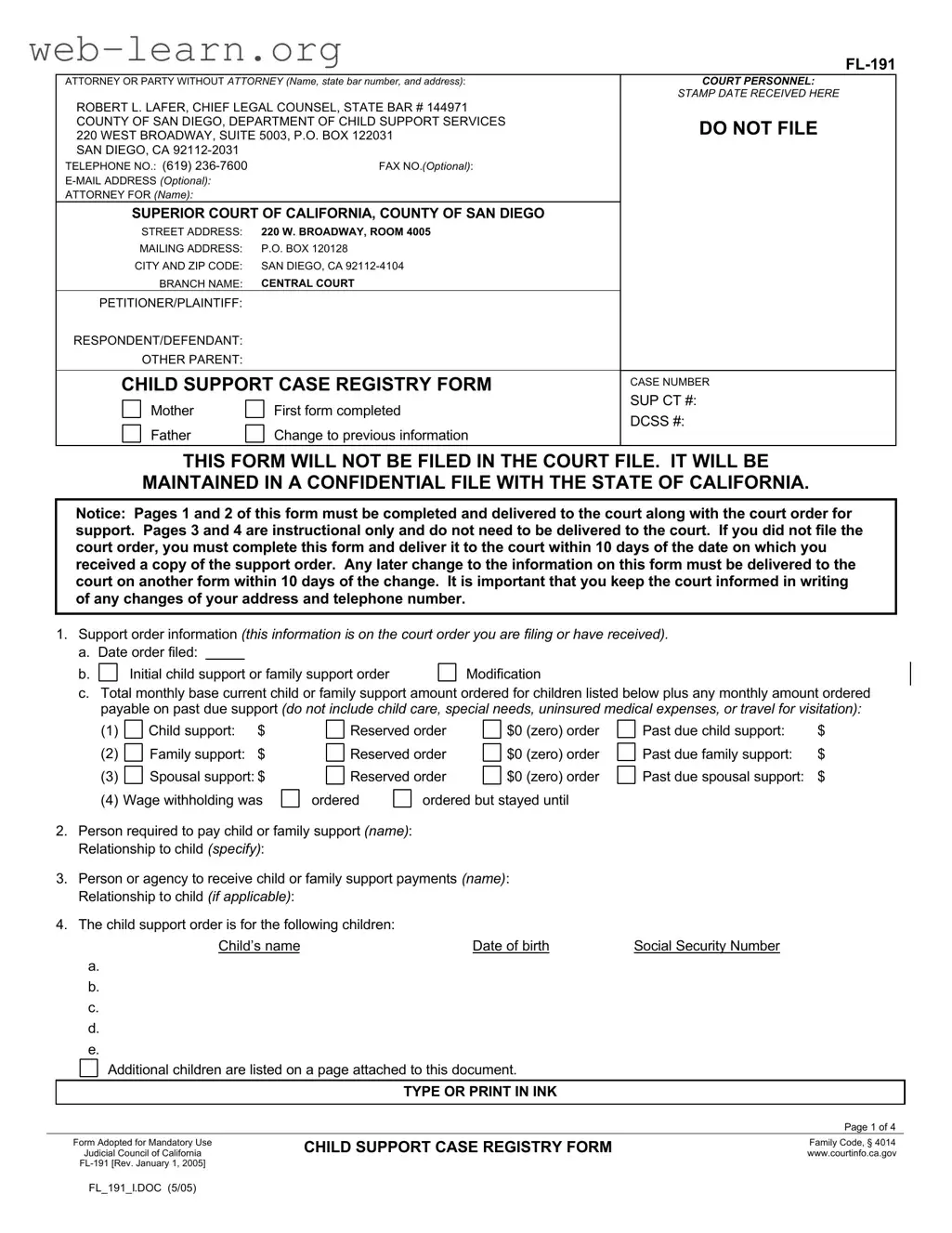
The California FL-191 form plays a crucial role in the child support process, ensuring that pertinent information is collected and maintained in a confidential manner. This form is designed for use by parents involved in child support cases, allowing them to provide essential details about the support order, including amounts and the parties involved. It is important to note that the FL-191 form is not filed in the court file; instead, it is kept in a secure, confidential file with the State of California. Parents must complete specific sections regarding their relationship to the child, the support amounts ordered, and any changes to their personal information. Timeliness is vital, as completed forms must be submitted within ten days of receiving a support order or any changes in circumstances. The form also includes instructions for filling it out correctly, ensuring that both parents can contribute to the child support case registry, which helps in tracking and managing support obligations. By understanding the significance of the FL-191 form, parents can better navigate the complexities of child support, ultimately benefiting the well-being of their children.


| Fact Name | Detail |
|---|---|
| Form Purpose | The California FL-191 form is used for the Child Support Case Registry, ensuring that child support orders are properly recorded and maintained. |
| Governing Law | This form is governed by California Family Code, § 4014, which mandates the collection and maintenance of child support information. |
| Confidentiality | Information submitted on the FL-191 is confidential and will not be filed in the court file. Instead, it is kept in a secure file with the State of California. |
| Submission Timeline | Individuals must submit the FL-191 form within 10 days of receiving a child support order or any changes to the information on the form. |
| Required Information | Both parents must provide personal information, including names, addresses, and social security numbers, to ensure accurate record-keeping. |
| Form Sections | The FL-191 consists of multiple sections, including details about the support order, the parties involved, and specific children covered by the order. |
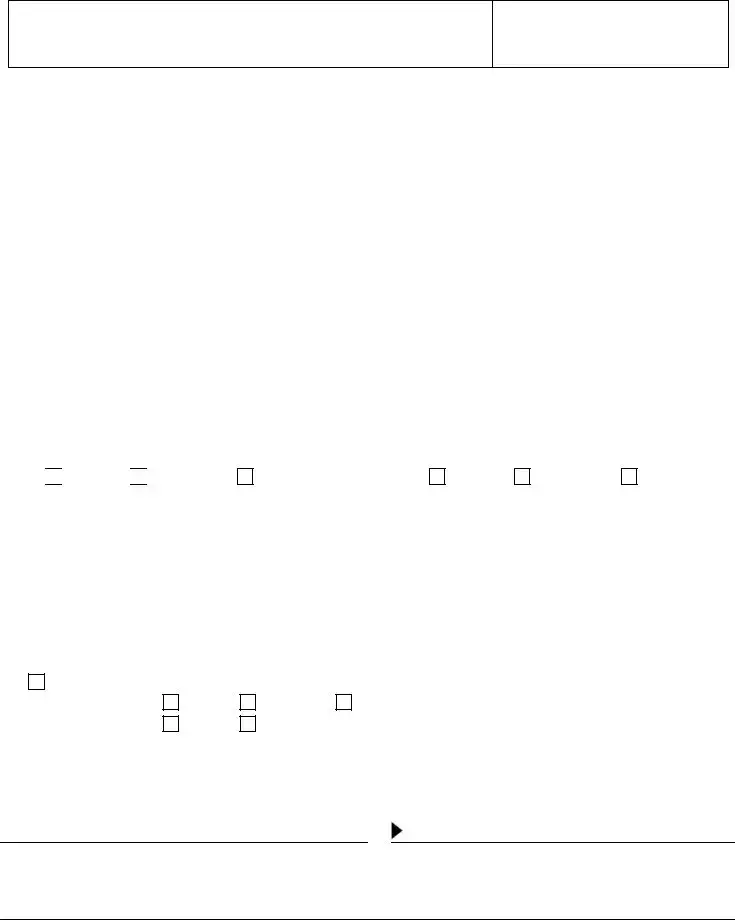
| Non-Submission of Certain Pages | Pages 3 and 4 of the FL-191 are instructional and do not need to be delivered to the court, simplifying the filing process for users. |
The California FL-191 form is a necessary document for establishing and maintaining a child support case registry. Proper completion of this form ensures that relevant information is accurately recorded and maintained in a confidential file with the State of California. Follow the steps below to fill out the form correctly.
The California FL-191 form, also known as the Child Support Case Registry Form, is a document used in child support cases. It collects essential information about the parents and children involved in the support order. This form is confidential and is not filed in the court file. Instead, it is maintained in a confidential file with the State of California.
Both parents involved in a child support case must complete the FL-191 form. If you are the petitioner or respondent in a support case, you are required to provide the necessary information. If you have an attorney, they can help you fill out the form.
The form must be submitted to the court along with the court order for support. If you did not file the court order, you must deliver the completed form to the court within 10 days of receiving a copy of the support order. Any changes to the information on this form also need to be reported within 10 days using a new form.
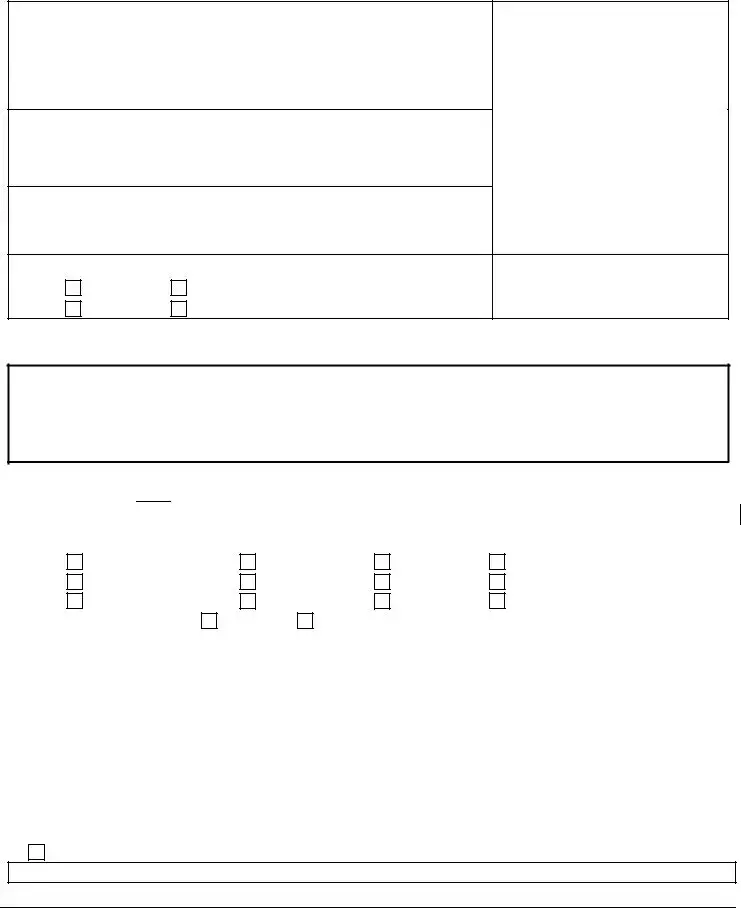
The FL-191 form requires various details, including:
No, the information on the FL-191 form is confidential. It will not be included in the public court file and will be kept in a separate confidential file with the State of California.
If any information you provided on the FL-191 form changes, you must complete a new form and submit it to the court within 10 days of the change. This ensures that the court has the most up-to-date information regarding your child support case.
If you have questions or need assistance while completing the FL-191 form, consider seeking help from a legal professional or a family law facilitator at your local court. They can provide guidance and ensure that you complete the form correctly.
Filling out the California FL 191 form can be straightforward, but many people make common mistakes that can lead to delays or complications. One frequent error is neglecting to provide complete information about the parties involved. This includes not listing full names, addresses, or relationships to the child. Inaccurate or incomplete details can hinder the processing of the form and create confusion in the case.
Another mistake is failing to check the correct boxes regarding the type of support ordered. It is essential to indicate whether the order is for child support, family support, or spousal support accurately. Misrepresenting this information can lead to misunderstandings about the obligations and rights of each party. Always double-check the court order to ensure the amounts and types of support are correctly noted.
People often overlook the requirement to submit the form within the specified time frame. The FL 191 form must be delivered to the court within 10 days of receiving the court order if it was not filed at the same time. Missing this deadline can result in legal complications and may affect the enforcement of the support order.
Lastly, individuals frequently forget to sign the form. A signature is necessary to affirm that the information provided is true and correct. Not signing the form can render it invalid, causing further delays in processing. Always ensure that the form is signed and dated before submission to avoid unnecessary issues.
The California FL-191 form is a Child Support Case Registry Form that must be filed with the court when establishing or modifying child support orders. It collects essential information regarding the parties involved, the support order, and the children affected. Alongside this form, several other documents are commonly used to ensure compliance with California child support laws. Here is a list of related forms and documents that are often necessary in conjunction with the FL-191.
Using the appropriate forms in conjunction with the California FL-191 ensures that child support cases are handled efficiently and in compliance with legal requirements. Each document plays a crucial role in the overall process, contributing to the protection of children's welfare and the enforcement of support obligations.
The California FL-191 form, known as the Child Support Case Registry Form, shares similarities with several other documents commonly used in family law and child support cases. Below is a list of nine documents that are comparable to the FL-191 form, along with a brief explanation of how they are similar.
When filling out the California FL-191 form, there are important guidelines to follow to ensure accuracy and compliance. Below is a list of six things to do and not do:
Following these guidelines will help facilitate the processing of your child support case and ensure that all necessary information is properly documented.
This form is not filed in the court file. Instead, it is maintained in a confidential file with the State of California. This ensures that sensitive information remains private.
Both parents are required to complete a Child Support Case Registry Form. This helps create a comprehensive record for child support cases.
You must submit this form within 10 days of receiving a court order. Timeliness is crucial to ensure compliance with legal requirements.
While the form primarily addresses child support, it also collects information about family support and spousal support. All aspects of financial responsibility are considered.
It is important to fill out all required sections completely. Incomplete forms may lead to delays or complications in processing your case.
The information provided on this form is confidential. It will not be publicly accessible, ensuring that personal details are protected.
Filling out the California FL-191 form is an essential step in managing child support cases. Here are some key takeaways to help you navigate this process effectively:
By following these guidelines, you can ensure that your FL-191 form is completed correctly and submitted on time, helping to facilitate the child support process.